

Hey guys, we wanted to show people how we created one of our sound effects; this is laser sound effect 09 within our sound effect pack.
First we used OctaSine, which is a free, open-source virtual sound synthesizer which can pretty much generate plenty of different sound effects with the correct settings and modulations.
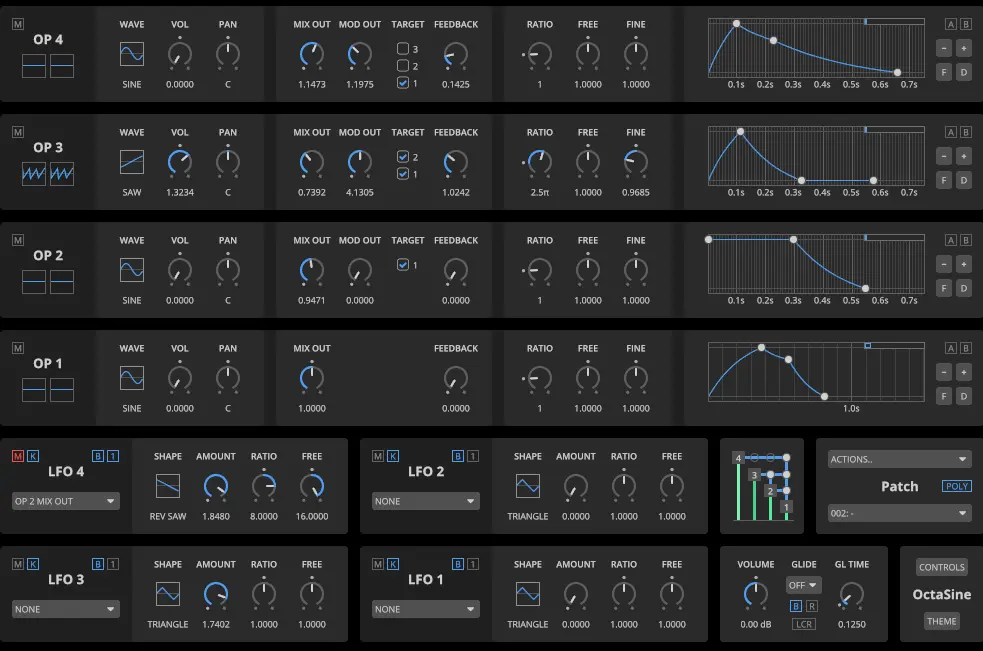
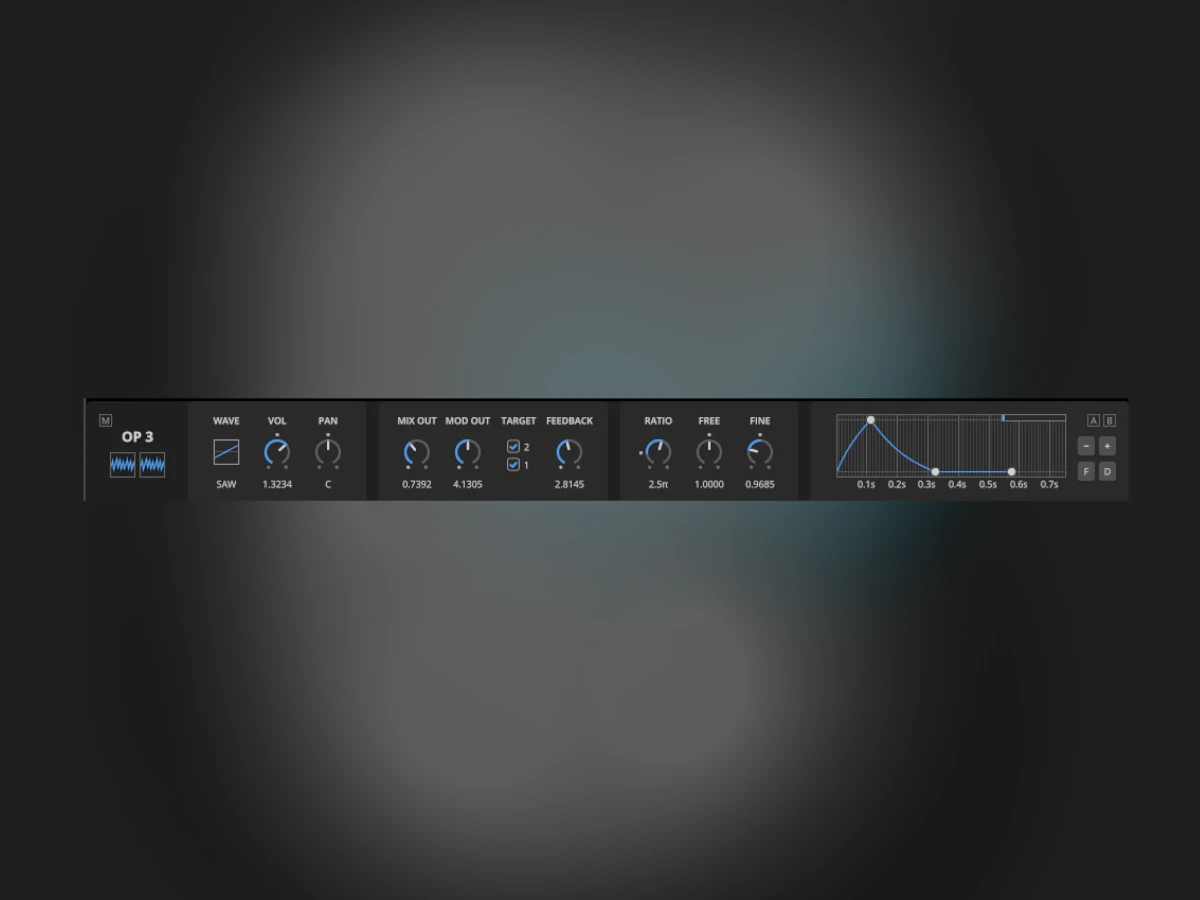
We then segmented to only output “OP-3” (sound operation 3) to output the sound signal.

We have set the left and right channels to output a saw-style sound signal output. Then edited and precisely crafted each modulation to produce a distinctive sound, including the wave shape (drawn style).
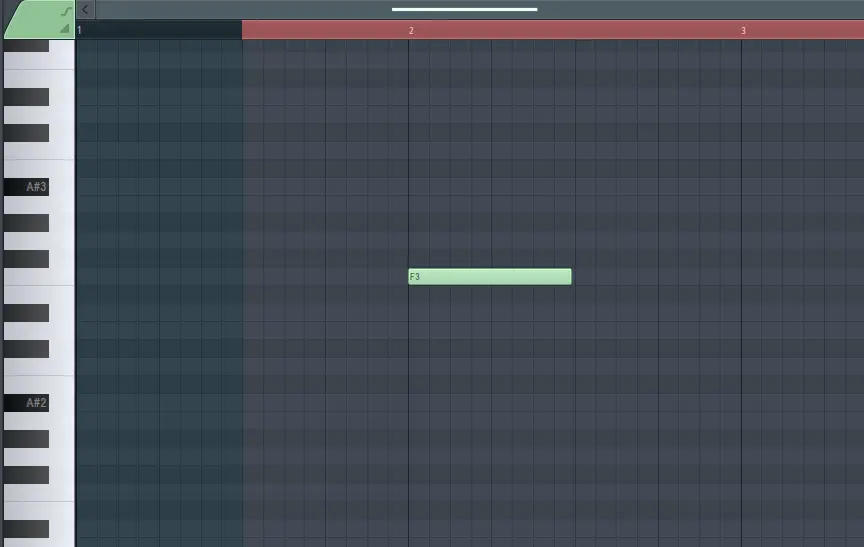
Then we input the sound signal key note within our professional digital audio workstation.
Then we have automated the feedback to produce this metallic and astonishing laser style of sound effect and pre-recorded the automation to generate this amazing laser sound effect. Check out the quick video preview below.